Real Estate Showing Scheduling: AI Takes the Admin Load
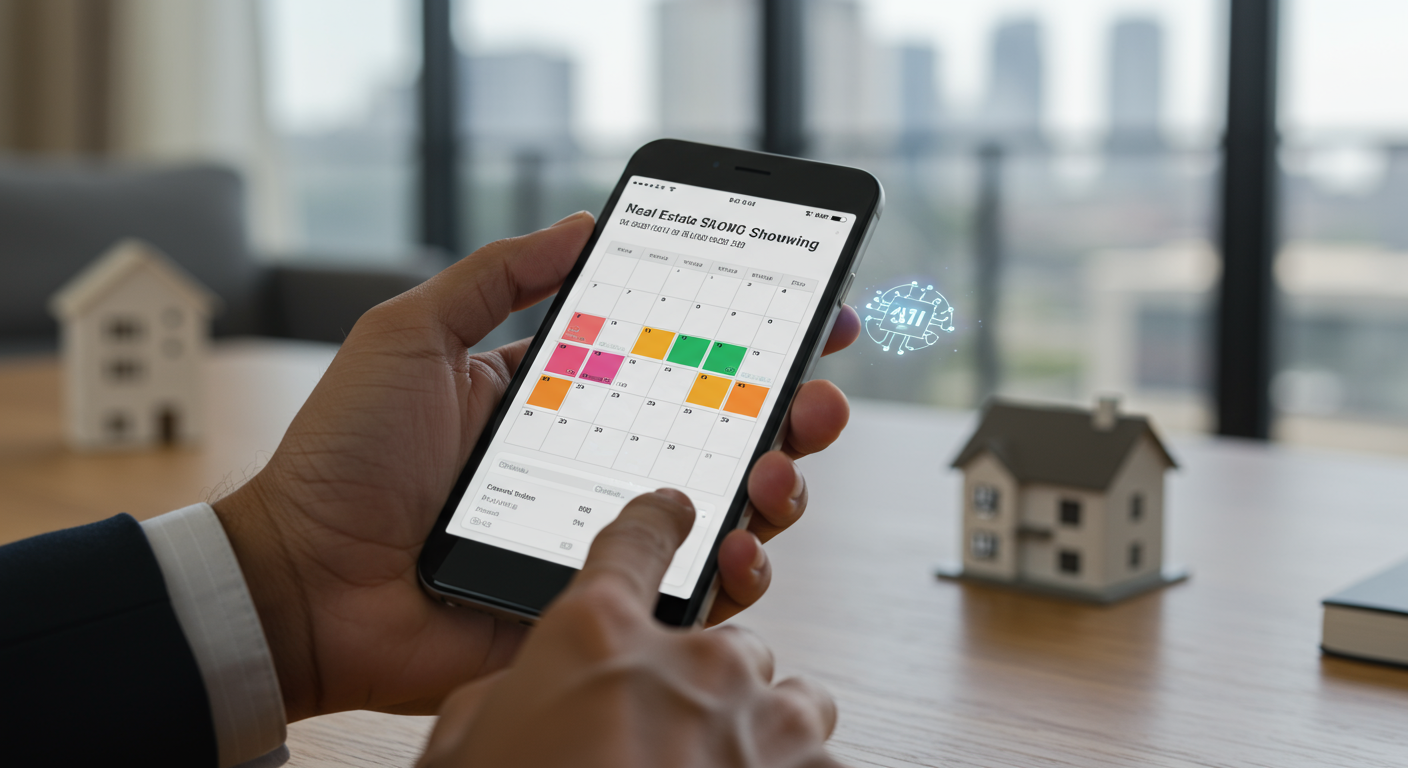
A single home viewing can require over a dozen emails, texts, and calls to coordinate between the buyer's agent, the listing agent, the seller, and the potential buyer. According to a Zillow Group report on consumer housing trends, buyers typically visit a median of four homes before making an offer. Multiplying the administrative load across several active buyers reveals a stark reality: agents spend a significant portion of their week not on selling, but on logistics. This manual, high-friction process is a primary source of inefficiency, leading to slower response times, missed opportunities, and a constant feeling of being tethered to your phone.
The real cost isn't just the time spent. It’s the opportunity cost. Every minute spent clarifying availability for a showing is a minute not spent prospecting for new clients, negotiating a contract, or preparing a listing presentation. The problem compounds as an agent's business grows. Managing the scheduling for five active buyers can feel like a full-time job in itself. A missed text from a high-intent lead asking for a last-minute viewing can mean the difference between a closed deal and that lead seeing another property with a more responsive agent. This administrative bottleneck throttles growth and creates a direct path to agent burnout.
How does AI handle scheduling?
AI-driven scheduling systems operate by integrating directly with an agent's existing communication and calendar tools. Think of it as an intelligent layer built on top of your Gmail, Outlook Calendar, and SMS. The AI is trained to understand the specific language and intent of real estate communications. When a lead emails or texts, "I'd love to see 123 Main Street. Are you free Thursday afternoon?", the system doesn't just flag the message; it parses the request. It identifies the property address, the suggested day, and the general time frame.
From there, the automation kicks in. The AI cross-references the agent's calendar for availability, checks the MLS for the property's status and showing instructions (e.g., "24-hour notice required," "contact listing agent directly"), and formulates a coherent response. It might reply, "Great! I can show you 123 Main Street on Thursday. I have openings at 3:00 PM and 4:30 PM. Which works better for you?" Once the lead confirms a time, the AI automatically creates the calendar event, invites the relevant parties, and can even send a confirmation message with the address and details. The entire back-and-forth exchange, which could have taken an hour of manual effort, is handled in seconds without the agent ever touching their keyboard.
What are the main benefits of scheduling automation?
The most immediate benefit is the reclamation of time. Agents who adopt AI for scheduling report saving substantial hours each week previously lost to administrative tasks. This is time that can be reinvested directly into high-value, revenue-generating activities like client meetings, negotiations, and market analysis. It shifts the agent's role from a reactive scheduler to a strategic advisor, focusing their expertise where it matters most. By offloading the logistical burden, agents can handle a higher volume of leads and showings without hiring a human assistant or sacrificing service quality.
Beyond time savings, automation introduces a level of reliability that is difficult to maintain manually. An AI doesn't get busy, forget to reply, or miss a text while in a meeting. It ensures every inquiry receives an immediate, intelligent response, which is critical in a competitive market. This speed and consistency dramatically improve the client experience and prevent leads from going cold. The implementation of real estate showing scheduling automation AI ultimately translates into a more efficient pipeline, faster response times, and a higher conversion rate from initial inquiry to confirmed showing. With a platform like Agentype, this capability is integrated directly into the lead management workflow, creating a unified system that handles communication from first contact to closing.
How does this work in a real-world scenario?
Imagine an agent with 15 active leads in their pipeline, a common situation for a busy professional. On a typical Tuesday morning, they receive the following messages within an hour:
- An email from Lead A: "Can we see 456 Oak Avenue this weekend?"
- A text from Lead B: "Is the property at 789 Pine Lane still available? My wife and I are free tomorrow after 5 pm."
- An inquiry from a portal for Lead C: "Requesting more information and a showing for 101 Maple Drive."
With an AI assistant, the agent's phone remains silent. The AI reads each message, understands the context, and executes the first steps. It replies to Lead A, "456 Oak Avenue is available to see this weekend. I have openings Saturday at 11 AM and Sunday at 2 PM. Let me know what works." It checks the MLS for 789 Pine, sees it is available, and replies to Lead B, "Yes, 789 Pine Lane is available. I can show it to you tomorrow at 5:30 PM. Does that work?" For Lead C, it pulls data from the MLS and sends a reply with basic property information and a prompt to schedule a viewing. The agent might simply receive a summary notification: "3 showing requests handled. Awaiting confirmation from leads." The process is managed in the background, allowing the agent to focus on their current task without interruption.
How do I get started with AI scheduling?
Implementing an AI scheduling assistant begins with connecting your core communication tools. The first step is to authorize the platform to access your professional email account (like Gmail or Outlook) and your calendar. This integration is crucial, as it provides the AI with the context it needs to understand your availability and manage correspondence. Ensure the system you choose also integrates with your primary methods of client communication, such as SMS and even WhatsApp, to capture requests from all channels.
Once connected, you must configure your preferences. This involves setting your general working hours, preferred showing durations, and travel time buffers between appointments. A good system will allow for nuanced rules, such as "no showings before 10 AM" or "always block 30 minutes for travel between appointments in different zip codes." Start by measuring your current response time to showing requests and the number of back-and-forth messages per scheduled appointment. After implementation, track these same metrics. The goal is to see a dramatic reduction in both. With a tool like Agentype, the setup is guided and straightforward, allowing you to connect your accounts and have the AI begin managing your pipeline within minutes.
Next Steps
- Audit your last week. Calculate how many hours you spent manually coordinating viewings via email, text, and phone calls.
- Identify your communication channels. List all the places leads contact you for showings (e.g., Gmail, personal SMS, WhatsApp, Zillow). A solution must cover all of them.
- Connect your accounts to a free trial. Use a platform that offers a no-credit-card trial to connect your email and calendar to see the automation in action with your own leads.
- Set your availability rules. Define your standard working hours and buffer times within the AI system to ensure it schedules appointments realistically.
- Monitor your 'Autopilot Score.' Track how many communications and scheduling tasks the AI handles automatically, and measure the direct impact on your saved time and closed deals.